Retention, storage & records
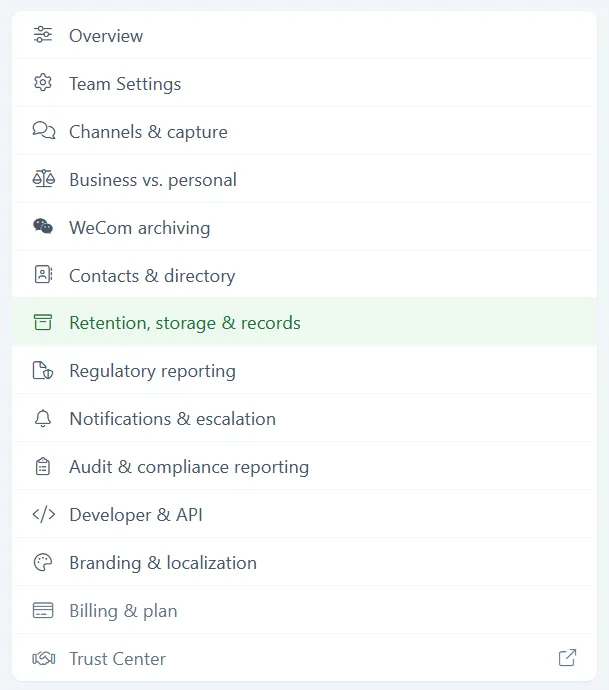
Retention, storage & records covers several storage topics. Here, admins control how long records are retained in Comma’s write-once storage, the settings for optional customer-provided outbound archive delivery for AWS and Azure, and customer-managed encryption keys (BYOK). You reach it from Team > Configuration > Retention, storage & records. Only admins can change these settings.
Tenant retention policy
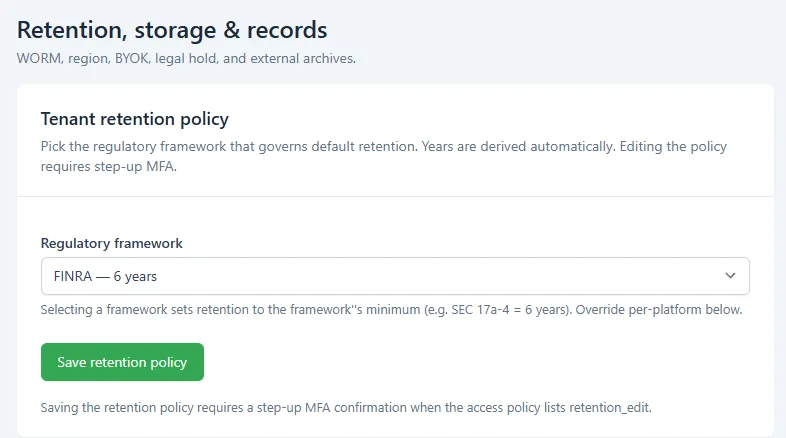
Section titled “Tenant retention policy”Your retention policy sets how long Comma keeps records before they can age out. You choose a regulatory framework, and Comma sets the retention length automatically from the window mapped to that framework. Retention is measured from capture. If you use Comma’s archive, records are held in tamper-protected, write-once storage for the full window.
- Open Team > Configuration > Retention, storage & records.
- Under Tenant retention policy, open the Regulatory framework dropdown and choose the framework that governs your firm:
- General (7 years)
- SEC 17a-4 (6 years)
- HIPAA (6 years)
- MiFID II (7 years)
- FINRA (6 years)
- Customer-defined (3 years)
- Comma sets retention to that framework’s window automatically. If you need a window that isn’t on the list, contact support@commacompliance.com.
- Click Save retention policy. Because a retention change affects how long records are preserved, Comma asks you to confirm your identity again (step-up MFA) before the change goes through.
Outbound archive delivery
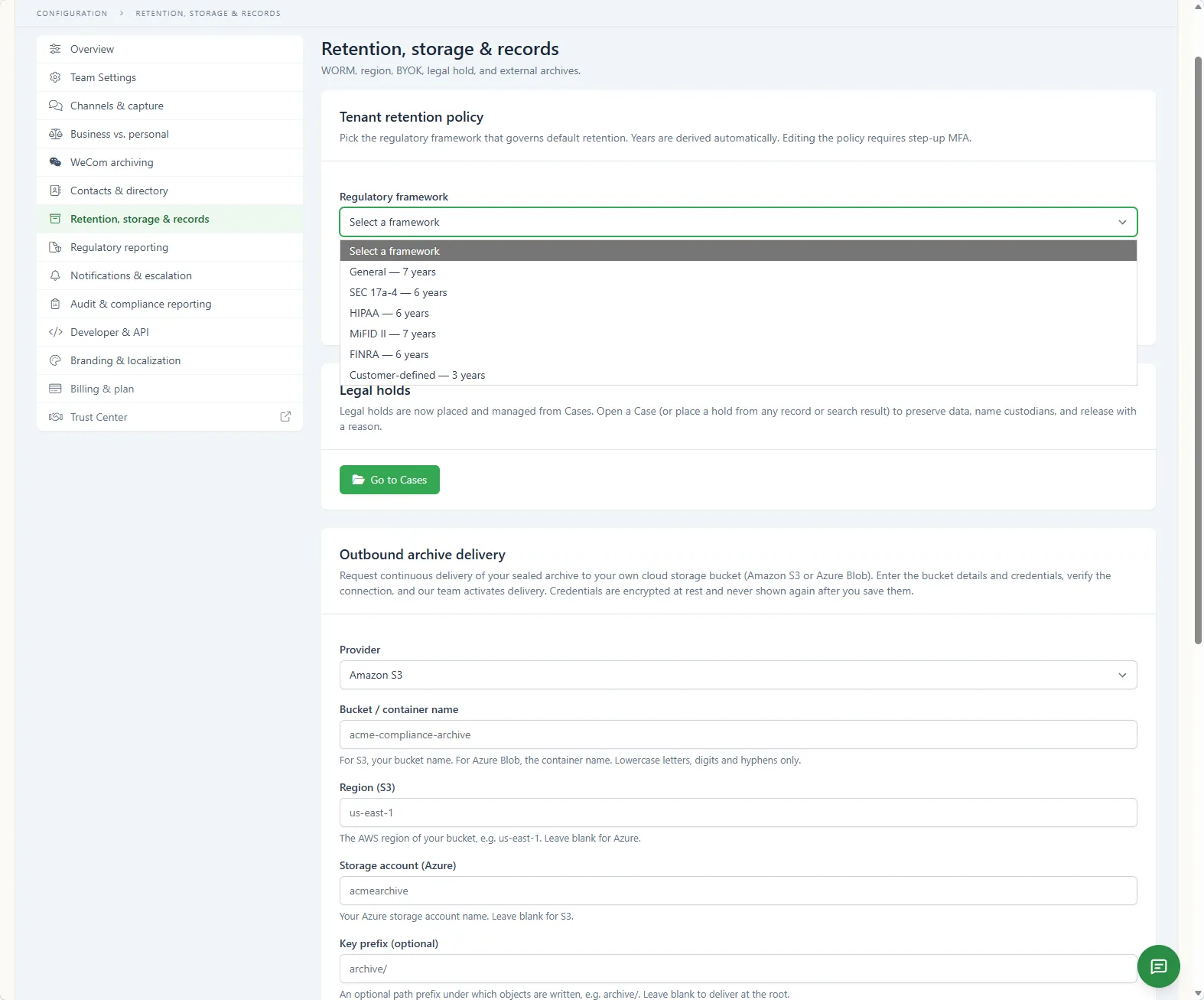
Section titled “Outbound archive delivery”Comma can deliver a continuous copy of your sealed archive into cloud storage you own and control, an Amazon S3 bucket or an Azure Blob container. Run on Comma’s archive on its own, or pair it with a copy that lives in your own cloud tenancy - outbound delivery adds the second copy, it doesn’t replace the first. That copy is there for your auditors, e-discovery tools, and data pipelines to read directly. Delivery is go-forward: it starts when your destination is activated, and records sealed before that are not back-filled.
On this screen you enter the bucket details (provider, bucket or container name, region or storage account, and an optional key prefix) and credentials, then run Verify credentials. That check writes, reads back, and deletes one tiny test object in your bucket to confirm the credentials work - it does not start delivery. Once it passes, your account team runs its own activation check and turns delivery on. Credentials are encrypted at rest and are never shown again after you save them.
For the full setup, including a least-privilege credential script and a verification command, follow the guide for your cloud:
Encryption keys (BYOK)
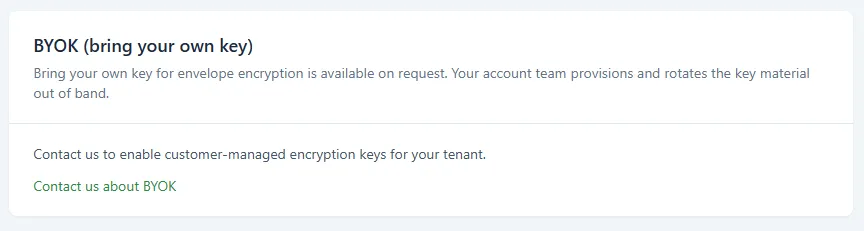
Section titled “Encryption keys (BYOK)”Comma encrypts your data at rest by default. Customer-managed keys (bring your own key, BYOK) are available on request on Enterprise plans. Contact your account team to scope which data your key covers and to enable it for your tenant.
BYOK is not self-serve - there is no key entry field on this screen. Use Contact us about BYOK, or contact your account lead.
What’s next
Section titled “What’s next”- Business vs. personal classification - Decides which conversations are archived under this retention policy.
- Deliver your archive to your own bucket - The full outbound-delivery story, with completeness proofs.
- Encryption keys - How Comma manages keys and how BYOK works.
- Roles and permissions - Who can edit configuration.